








Server Maintenance Tips for Small Businesses
Posted on 11th November 2021 at 14:51
No matter how large or small your business, maintaining a server is always good practice. While you might not be holding the 1.2million terabytes that Google or Meta hold, you still want your IT infrastructure to run as smoothly as possible.
Server maintenance, then, is always a good skill to have.
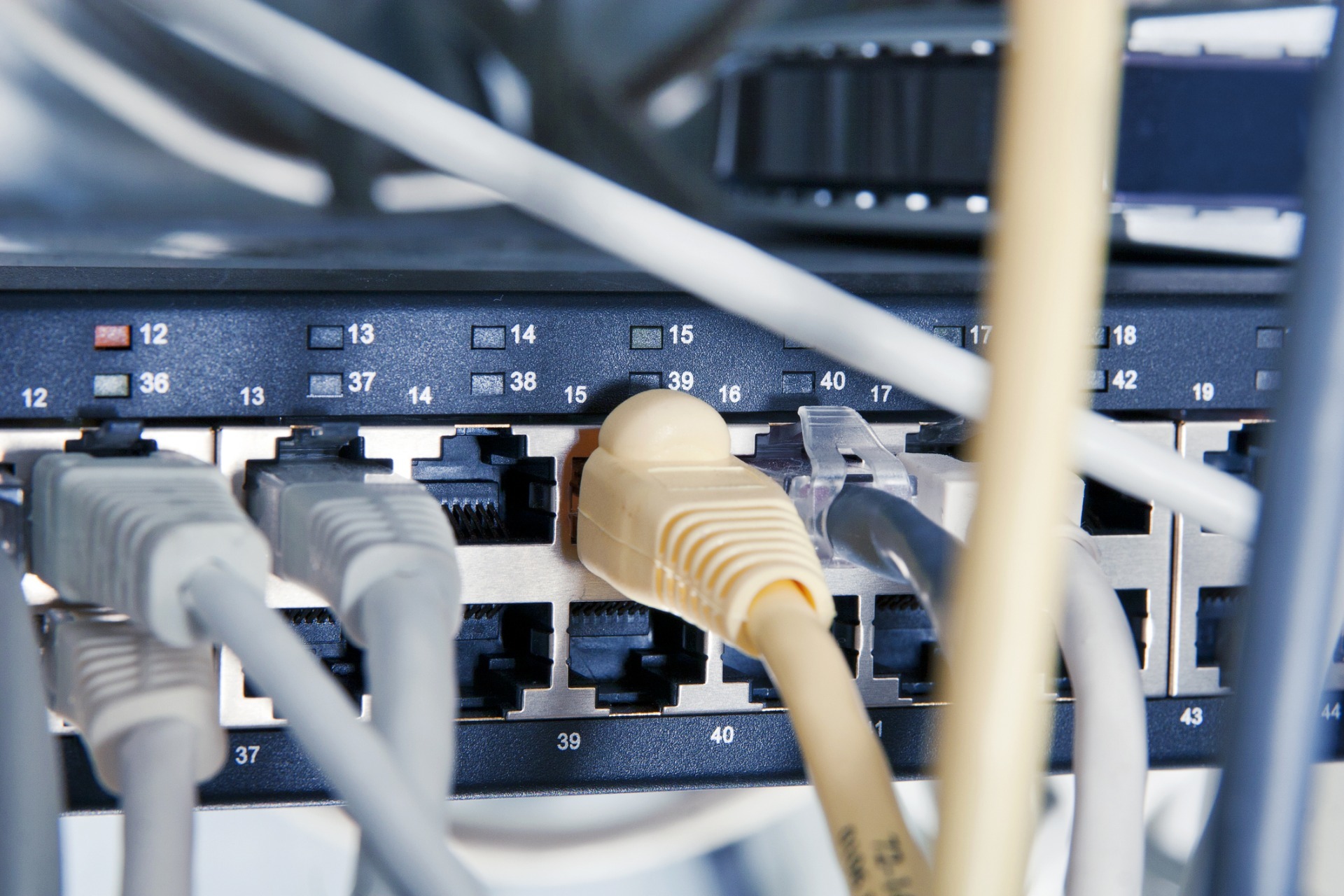
It just looks so complicated though, doesn’t it? All those wires, lights, and alien techno-bits – it can seem daunting. You don’t want to touch it for fear it will all go wrong and somehow delete the entire internet.
Luckily, there are some really simple things you can do to help make sure your servers are well maintained, and nobody loses anything.
Keep server backups up to date
No matter how rigorously you maintain your servers and computers, there is always the chance that disaster can strike. If your servers go down, the data you lose could be disastrous for your business.
If you make sure that everything on your servers is backed up on a different system you will protect your data. If you are backed up, you can be up and running at full tilt in no time.
Also, you could have a failover system set up. If one of your servers goes down, your business can keep running. This might increase your costs, but it will save you the losses that your business would inevitably incur if your system breaks.

Keep your OS updated
Whatever Operating System your server runs on, it is important that you keep it updated. At a minimum you should update your server’s OS one a week in case an emergency patch is made available outside of the regular scheduled release cycle. Ideally check multiple times to see if there is an update that relied on a previous update before making itself known.
By doing this, you are helping to patch any holes that might exist in your servers. Just as updating a PC regularly is important, updating your server’s OS is an essential part of its maintenance.
Continually review your logs
The server logs are important. Often, they highlight a hardware issue long before it becomes a more urgent problem.
By reviewing your server logs on a regular basis, you could be going some way to avoiding a massive issue somewhere down the line. As the adage goes, prevention is far better than cure.
Maintain your server room
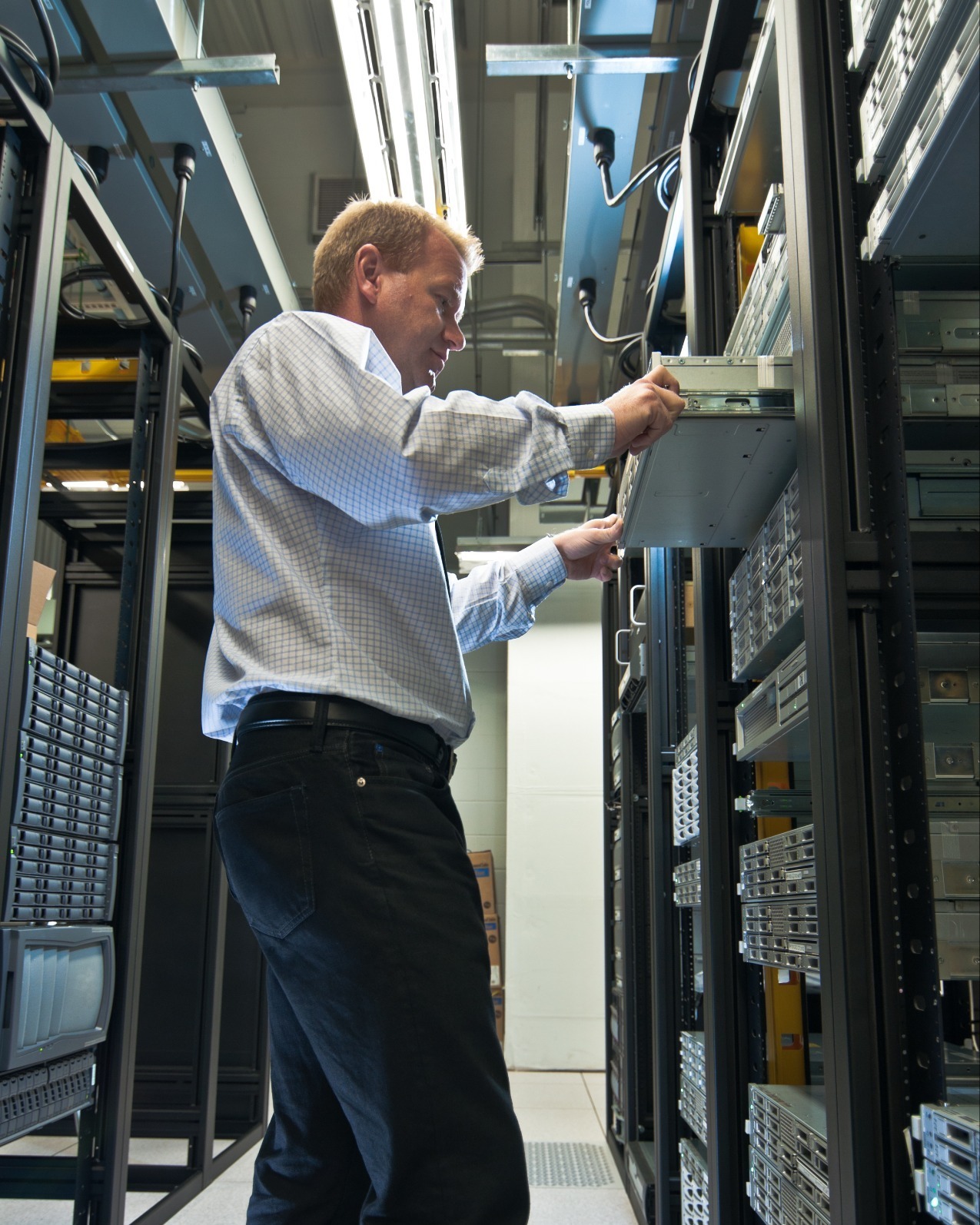
It isn’t the most glamourous job in the business but maintaining your server room is as important as maintaining the server itself.
Make sure dust and dirt in your server room are cleaned regularly. Clean the floors, wipe down server racks, and clean servers using the appropriate cleaning products and equipment.
Moreover, you should try to make sure you are checking the server temperature regularly and making sure that the server room is never too hot.
Consider moving to a cloud server
The cloud is a secure way of storing your business data and allowing you to access it as and when you need it. For many small businesses, it is provides a cost-effective and safe way of maintaining their important data and information.
For more information and advice on server maintenance or cloud servers, please call us on 01327 300311 or complete our short contact form.
Share this post: