








Should you repair or replace your business laptop?
Posted on 6th June 2023 at 12:43

Technology evolves almost as fast as it is invented these days. Software packages will be updated and patched regularly, and there is always shiny new hardware on the market that promises more than the technology you have. However, it doesn’t matter how sparkly new something is, wear and tear happens to even the most robust computers.
Sometimes, it’s hard to know whether or not to upgrade to new laptops, or to repair the ones you currently have. As a business owner, you know that you need to make sustainable choices. Moreover, if you don’t follow all the movements in the IT industry, you might need a little help making an informed decision.
So, how do you know whether you should repair or replace your business laptop?
Do you know how old your laptop is?
The average laptop lasts between three and eight years. The difference being, predominantly, how often you use it, how well you look after it and how well you purchased in the first place. Realistically, if your laptop is over five years old, then it probably isn’t worth repairing. You’ll have to buy a new one soon anyway.
If your hardware is between three and four years old, then don’t immediately think about buying new. Look to see how bad the problem is first. If the problem only requires a new battery or something similar, then it might be worth repairing.
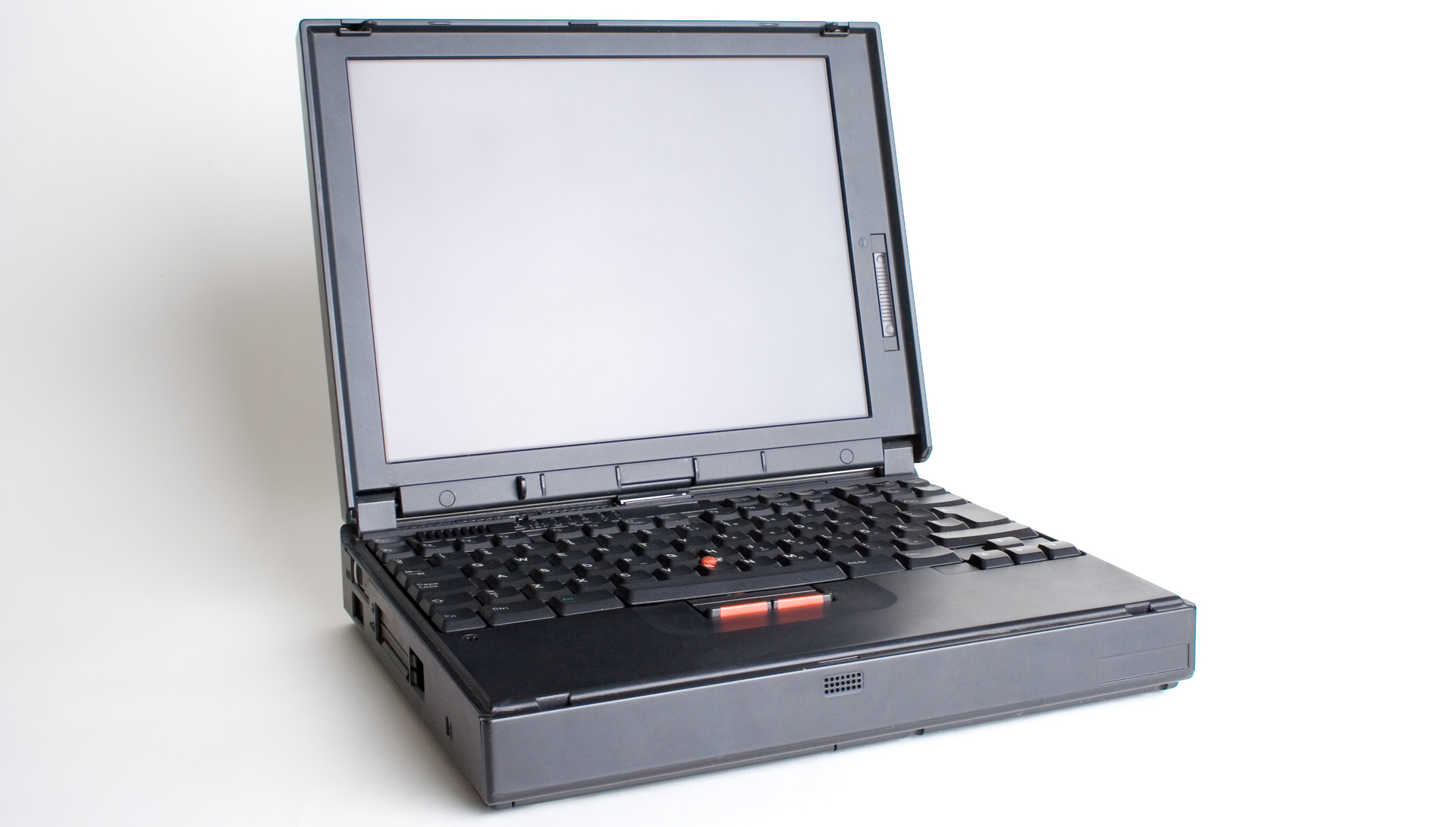
What condition is your laptop in?
Have you been taking good care of your laptop? Can your device run the latest updated operating system? If it can’t, you are leaving yourself open and vulnerable to cybersecurity problems and viruses. It would be a good idea, if this is the case, to look at investing in a new laptop.
If its just a bit slow then there are a few ways that you could improve a machine’s speed. You could upgrade your hard drive to a solid-state drive (SSD), for instance or through in a memory upgrade.

Repair cost is over half the value of a new laptop
The problem with repairing a laptop is you aren’t granting it immortality. If a computer needs repairing, then it is already wearing down. A repair is unlikely to return your laptop to the state it was in when you first pulled it out of the box. You might see that repairs are getting steadily more and more expensive.
A good rule of thumb to work to is, if a repair costs about half the price of a new laptop, it would likely be a better investment to purchase something new. The chances are that you will need repairs again in a year or so, and that could be even more expensive than before. Ultimately, the amount you will end up spending on repairs will amount to more than an upgrade.
What if you are still not sure?
You can be forgiven for not immediately knowing the answer. After all, you are the best at what you do, and if you’re not an IT specialist, then it’s OK that you don’t have in-depth tech knowledge. It is unlikely that we could do what you do either.
The simple answer to this question is, ask someone who knows. You probably have an IT department or outsource your IT support to a local company. They are your best resource for advice.
If you need advice on whether to repair or replace your laptops, give us a call today on 01327 300 311, or email [email protected] with your enquiry.
Share this post: